
1
Use your lesson notes
Use a vocabulary list, grammar focus, topic, or your own existing resources.
For teachers and tutors
Use a vocabulary list, grammar topic, or your own existing resources. Create a text, send it to your students, and let them repeat the lesson you just gave with translation, grammar, and pronunciation help.
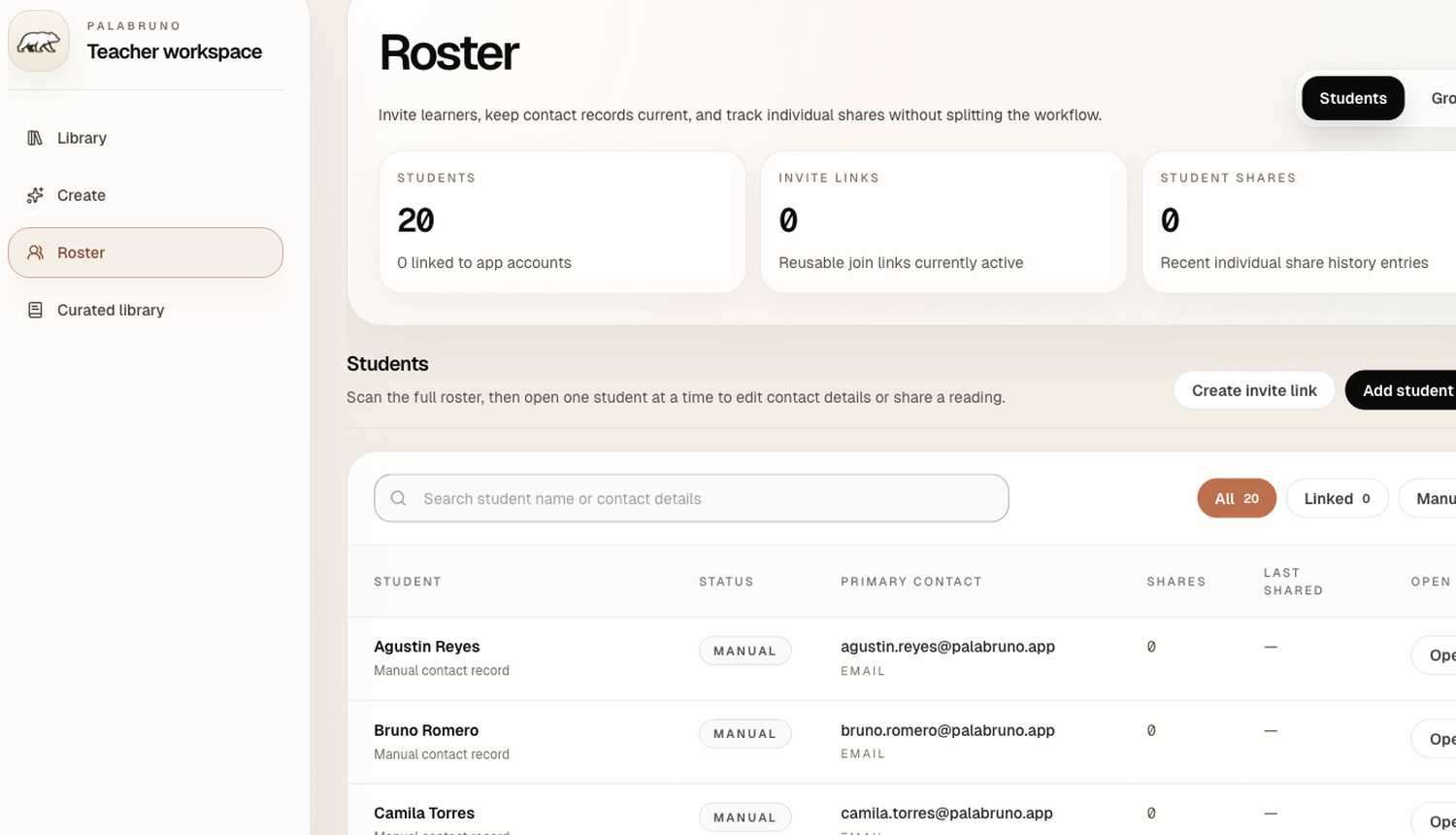
Teacher workspace
How it works
1
Use a vocabulary list, grammar focus, topic, or your own existing resources.
2
Get a customized text based on the lesson you just held, not a generic text.
3
Share the text with one student or a whole group directly from Palabruno.
4
Palabruno helps with translation, grammar, and audio for instant understanding.
Who it's for
Best for
Not for
How teachers use it
Create a text, organize your students, and send reading from one workspace.
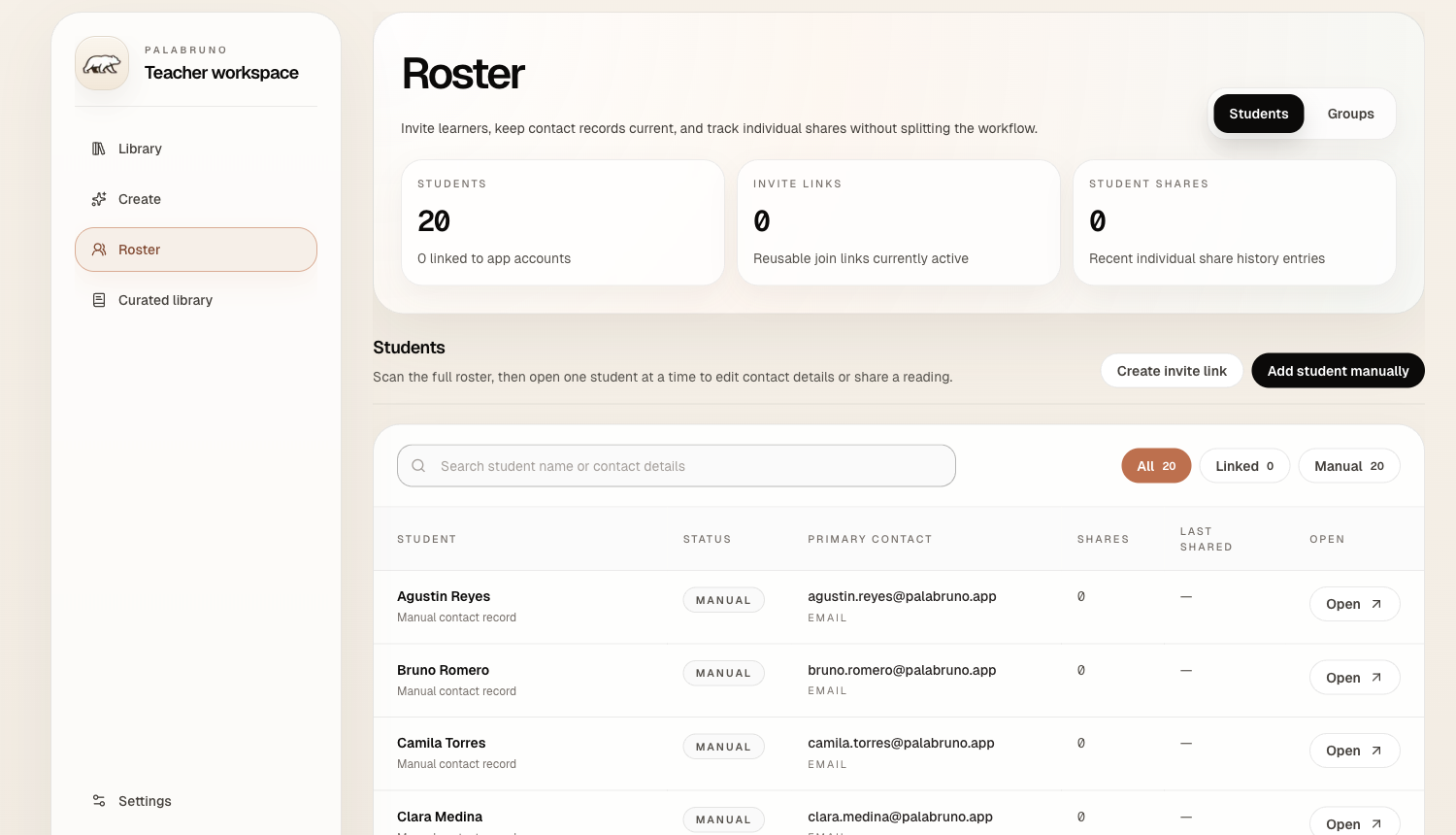
Step 01 / Create
Use a topic, level, grammar focus, word list, or your own text.
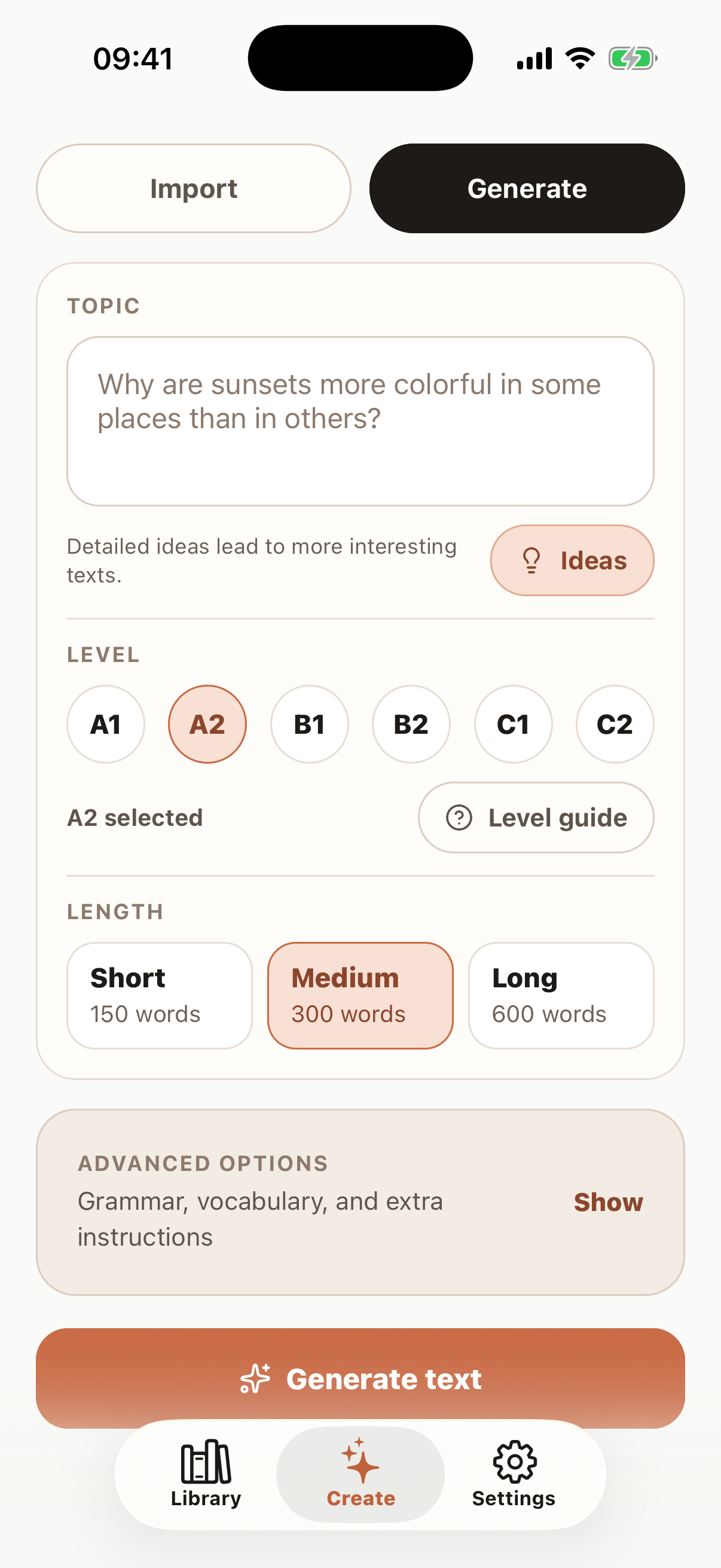
Step 02 / Organize
Use the teacher roster to add student records, organize groups, and keep class reading organized from one workspace.
Teacher workspace
Step 03 / Send
Assign the text to one student or a whole group directly from Palabruno.
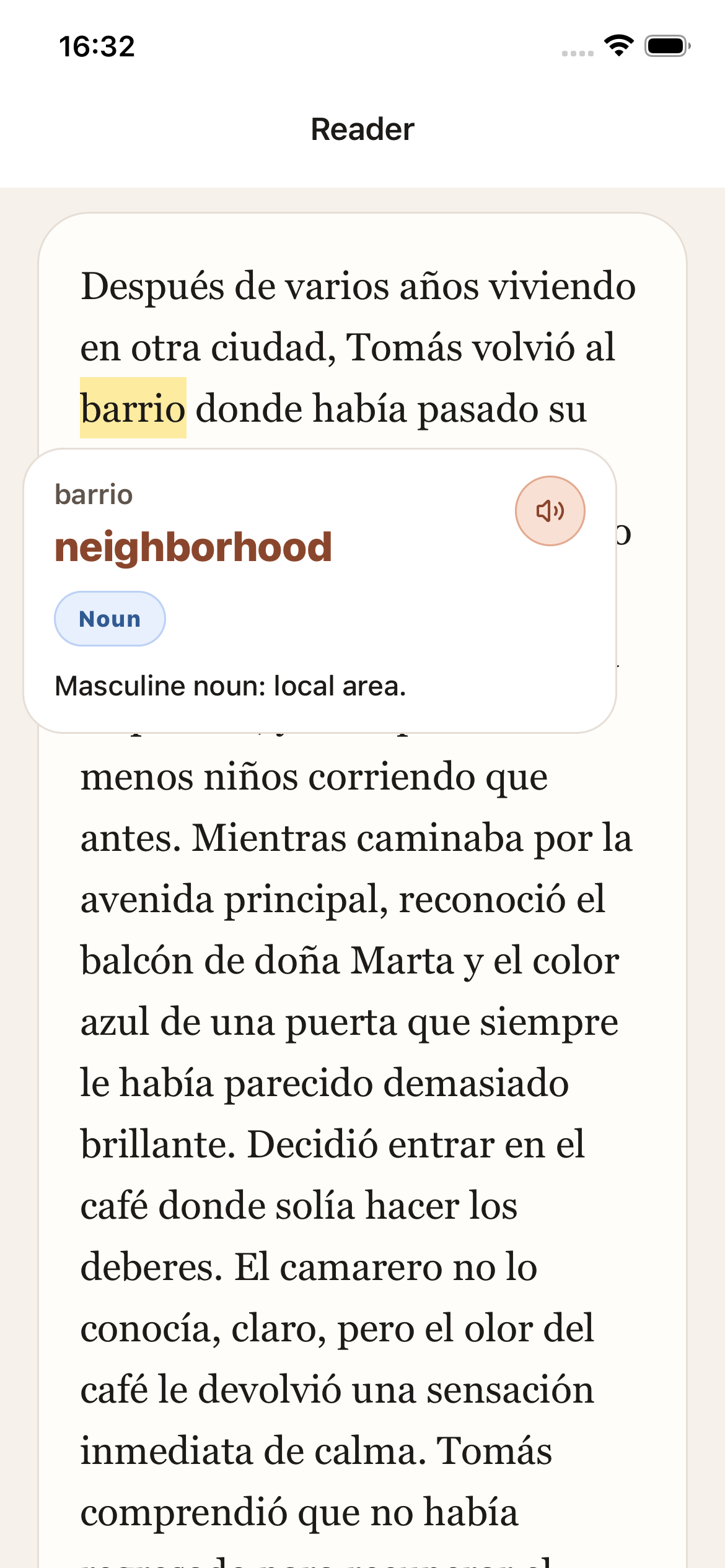
For students
Students can tap any word to receive translation, grammar info, and audio without leaving the text.
See the student experiencePlans
Free starts the reading flow, Premium is for heavier self-study in the app, and Teacher is the web plan for tutors and small classes.
See the full pricing pageFree
€0
Always free
For learners trying the reader and seeing whether Palabruno fits their Spanish routine.
Download the free appPremium
$11
/mo
For independent learners who want unlimited creation, a bigger library, and desktop reading.
Get Premium in the appTeacher
Best fit$18
/mo · yearly available
For teachers who want to create texts, organize students, and assign texts on the web.
Start the Teacher planQuestions teachers ask
Usually within 1-2 minutes. Try the workflow in our free mobile app.
Yes. You can import your own text or create a new one from your lesson.
In the Palabruno app. The text appears in their library and they receive a notification.
No problem. You can still add a student manually and send an invite link later to connect their app with your teacher account.
No. It is mainly for tutors, private teachers, and small classes.